
I generate 5–10 tracks a week on Suno. Before EaseArt, they just sat in my library. Now every track gets a storyboard and a video in under 15 minutes.
Jordan ChenAI Music Creator, Taipei4.9/5

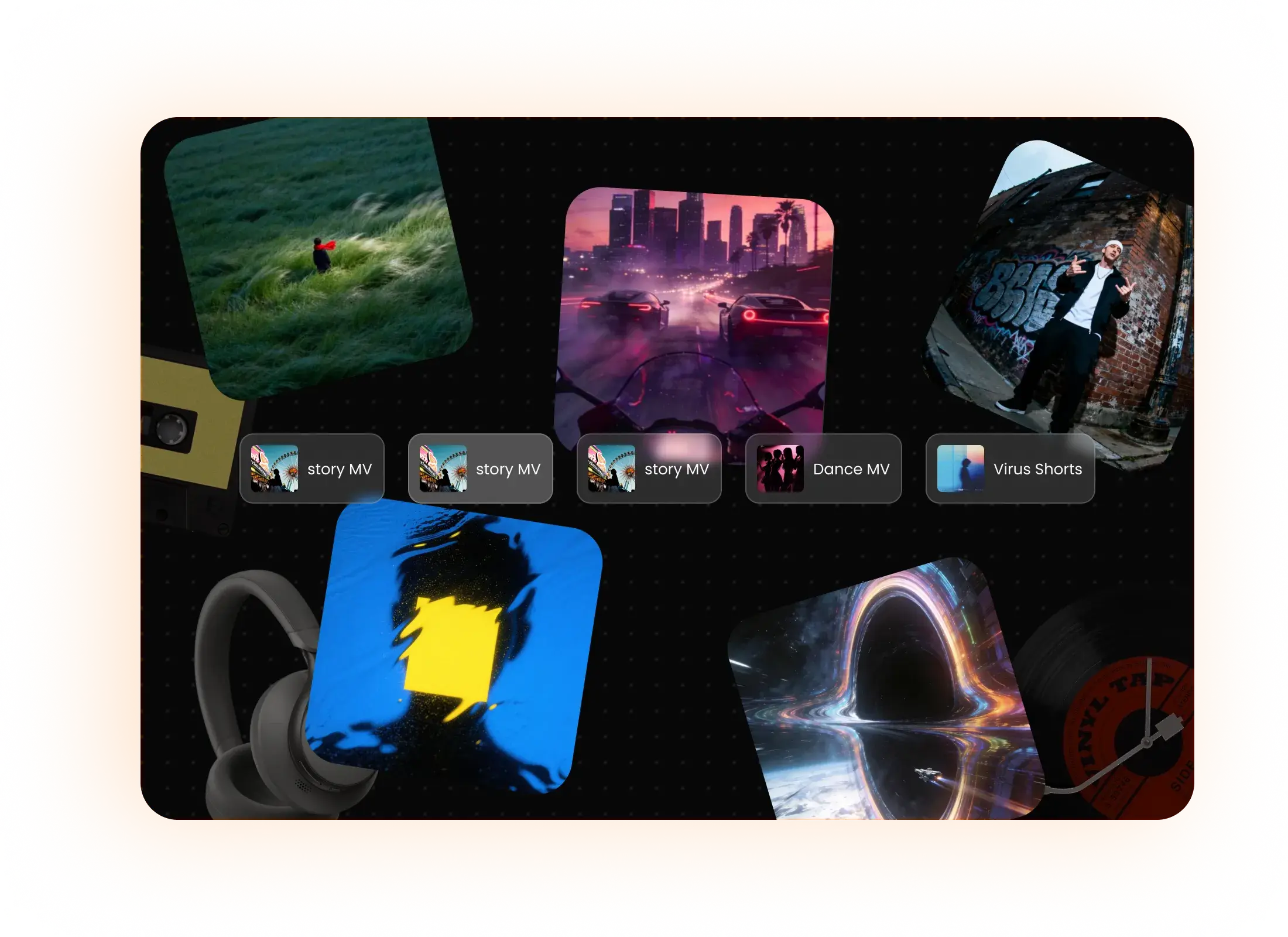
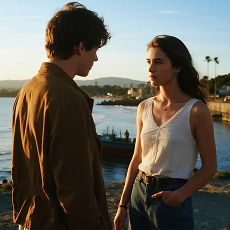 Story MV
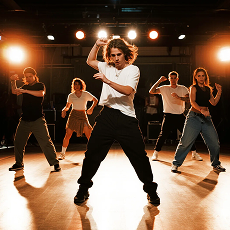 Dance MV
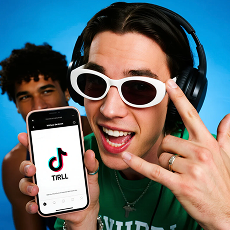 Viral Shorts
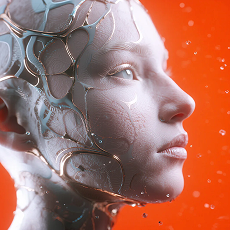 Abstract Video
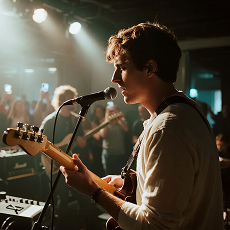 Performance MV
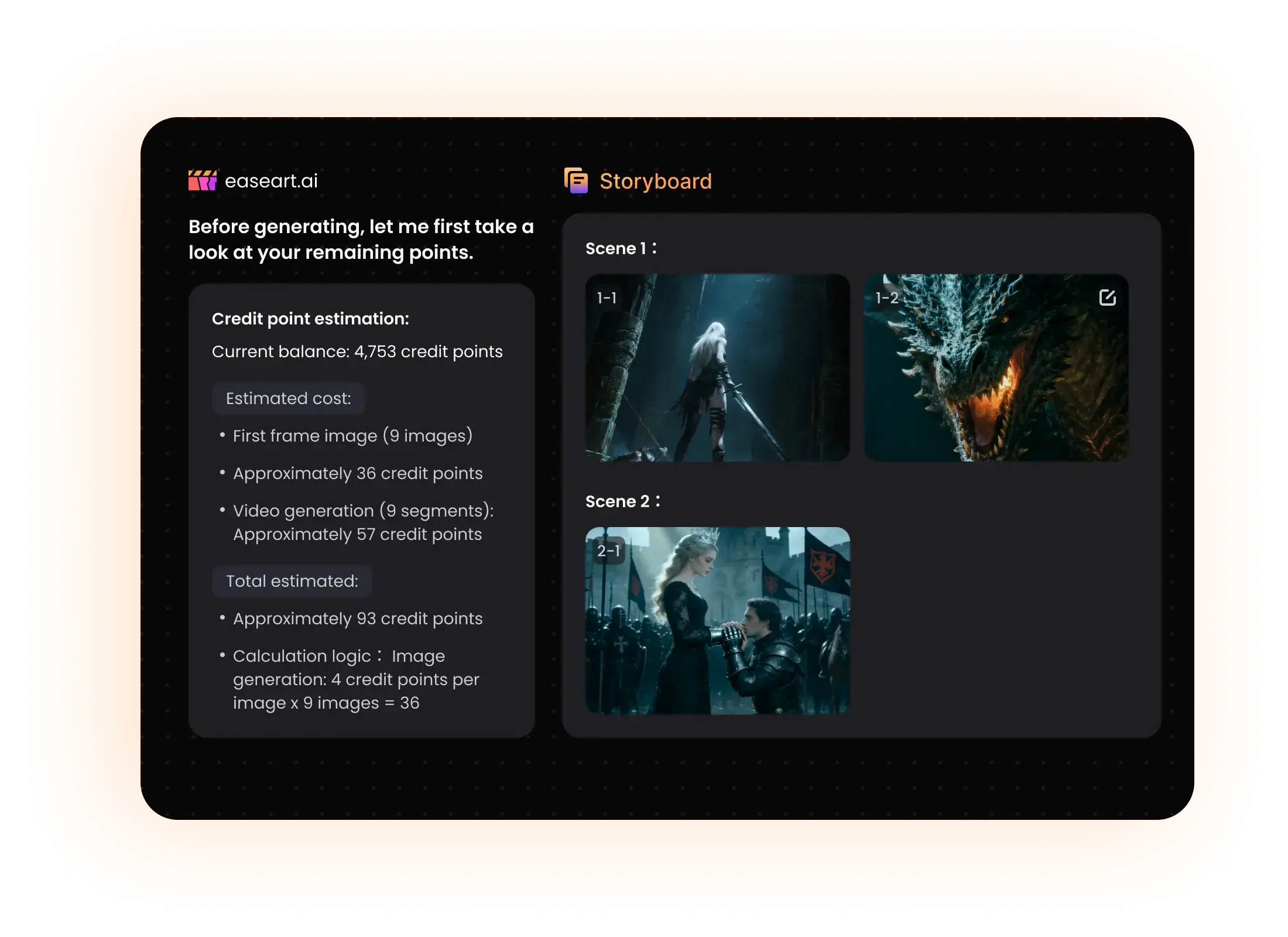
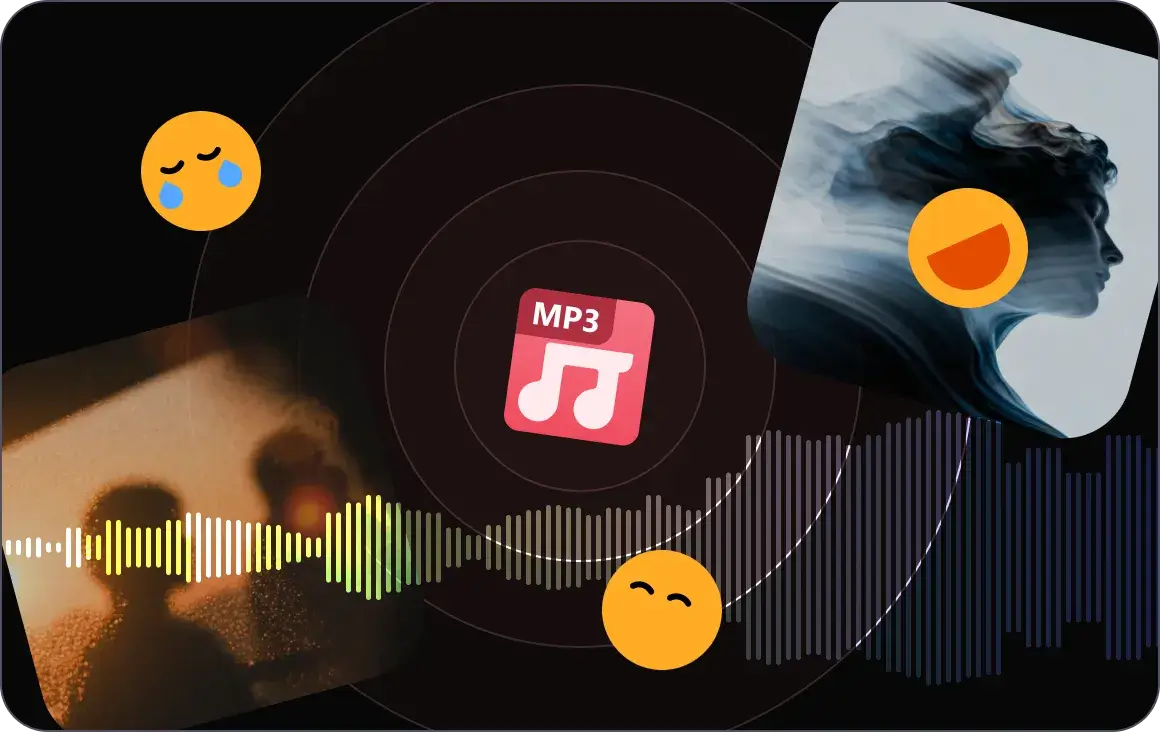
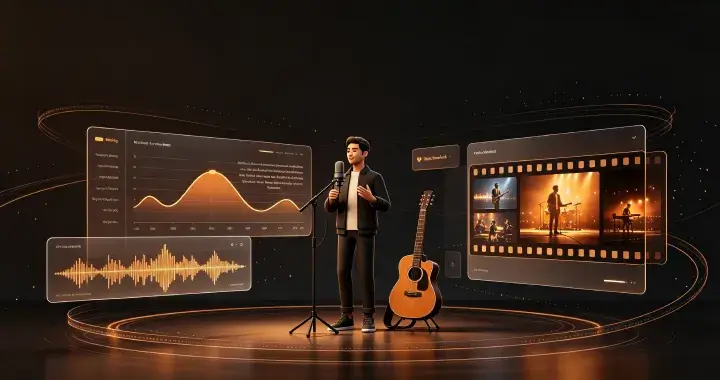
EaseArt is more than an AI music video generator — it's a creative collaboration workspace. Upload any song and our AI performs deep audio analysis: BPM detection, beat drops, key transitions, emotional arcs. Then it proposes a visual storyboard on a scrollable canvas, letting you review, adjust, and direct every scene via natural language chat before rendering a single frame.
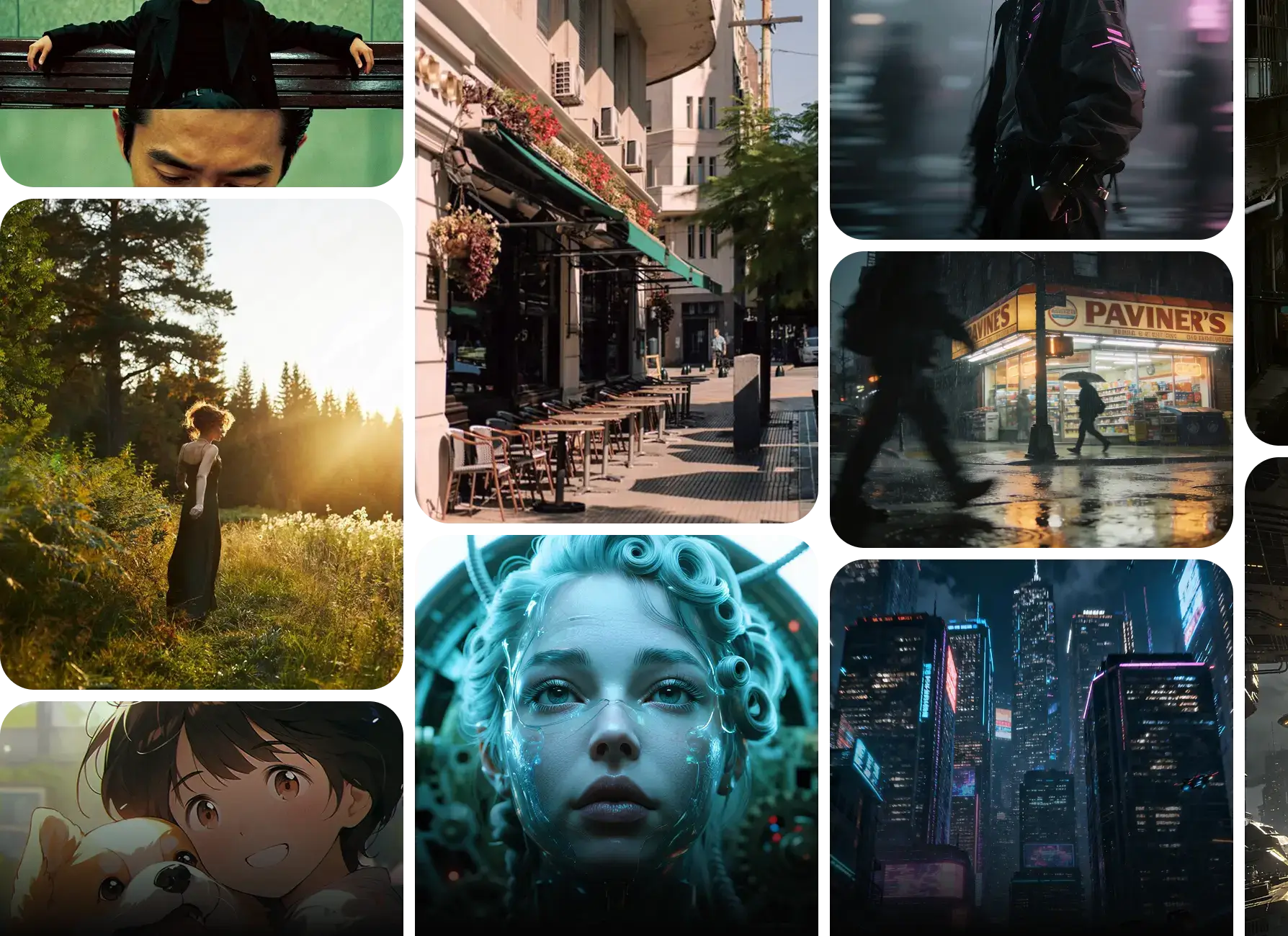
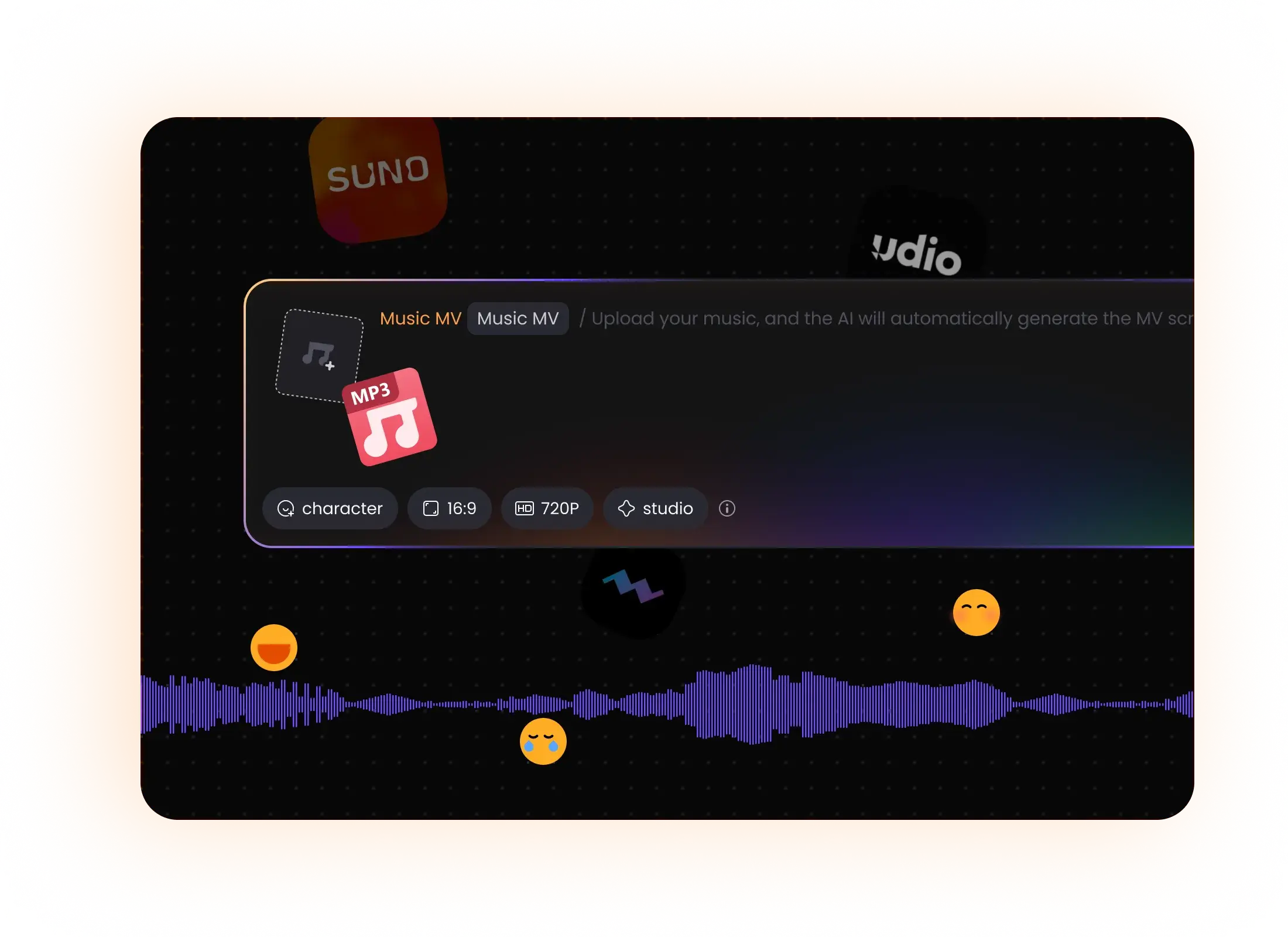
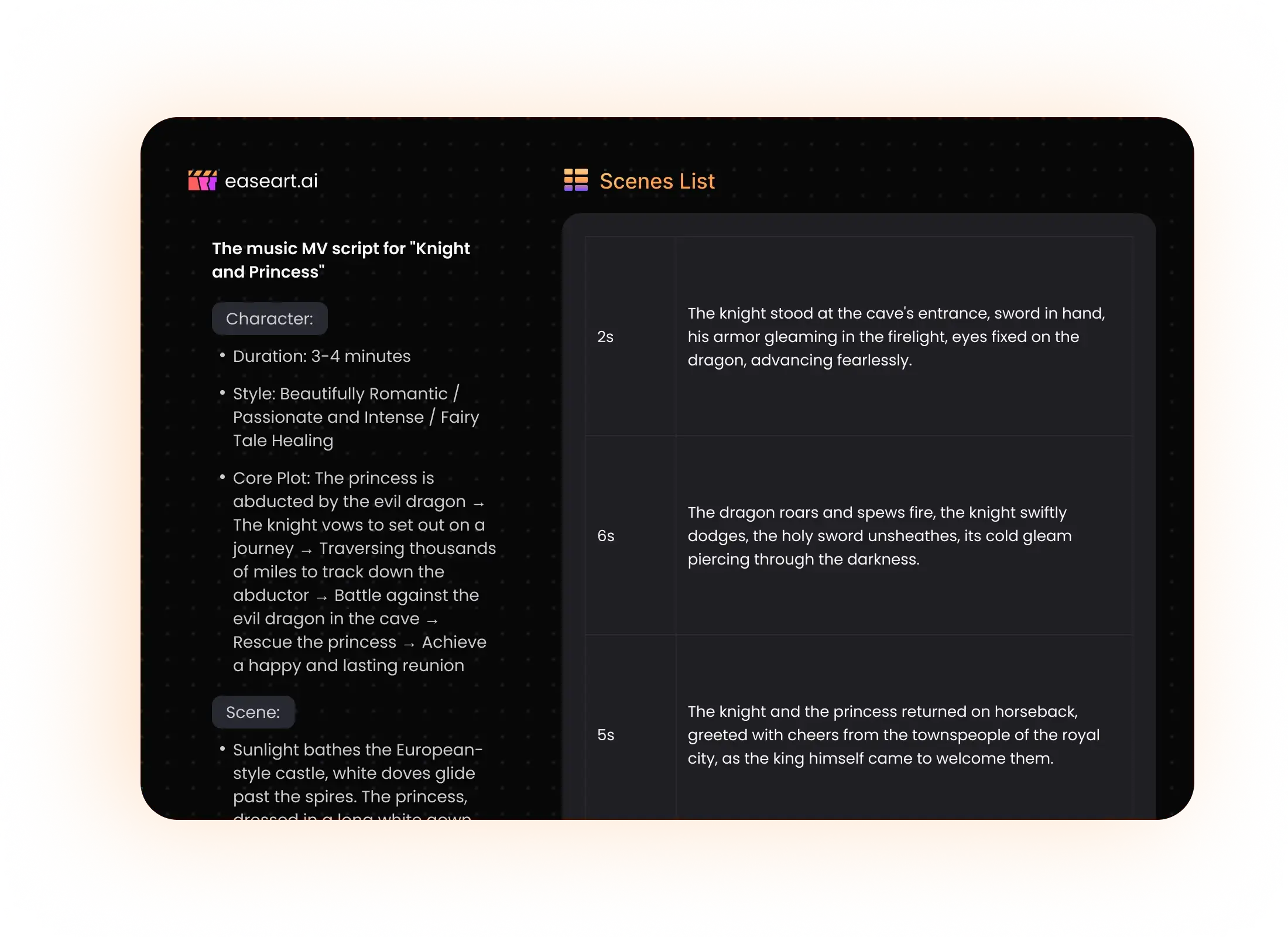
Generic tools detect BPM and slap visuals on top. EaseArt analyzes emotional arcs, frequency spectrum, lyrical themes, and dynamic structure. The video understands your music.
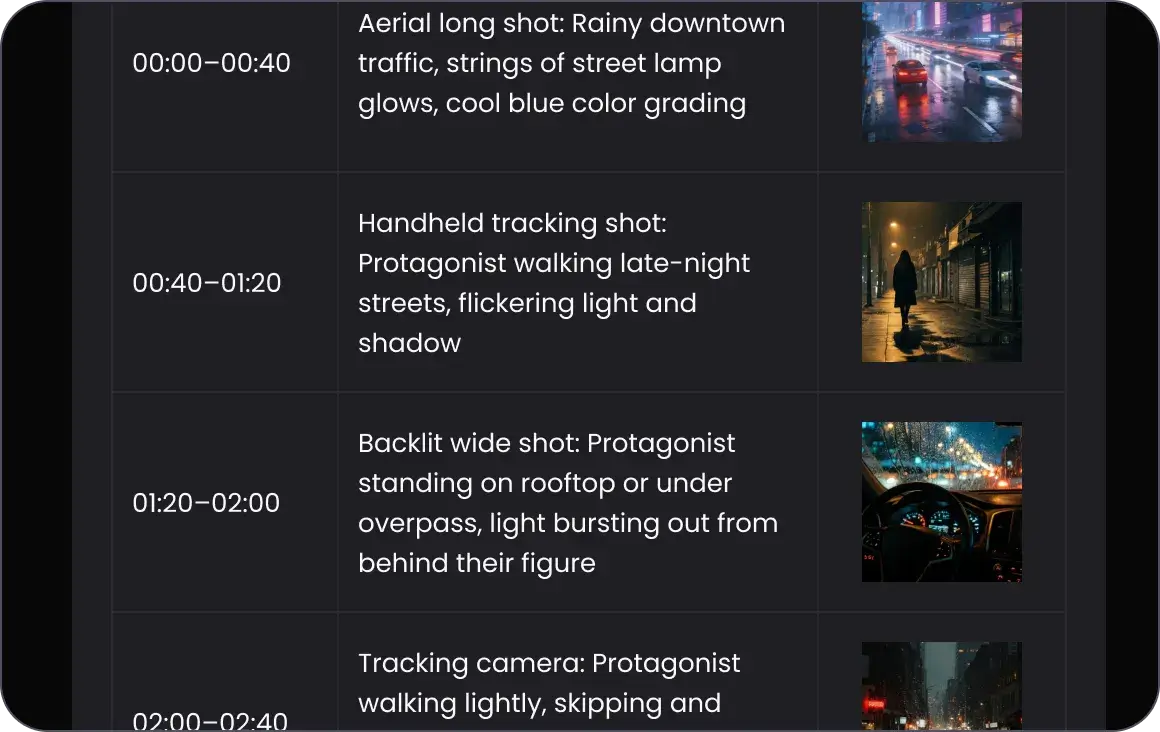
Most AI music video makers generate the full video first. EaseArt shows you the complete storyboard upfront. Review, adjust, then render. Save time. Save credits. Stay in control.
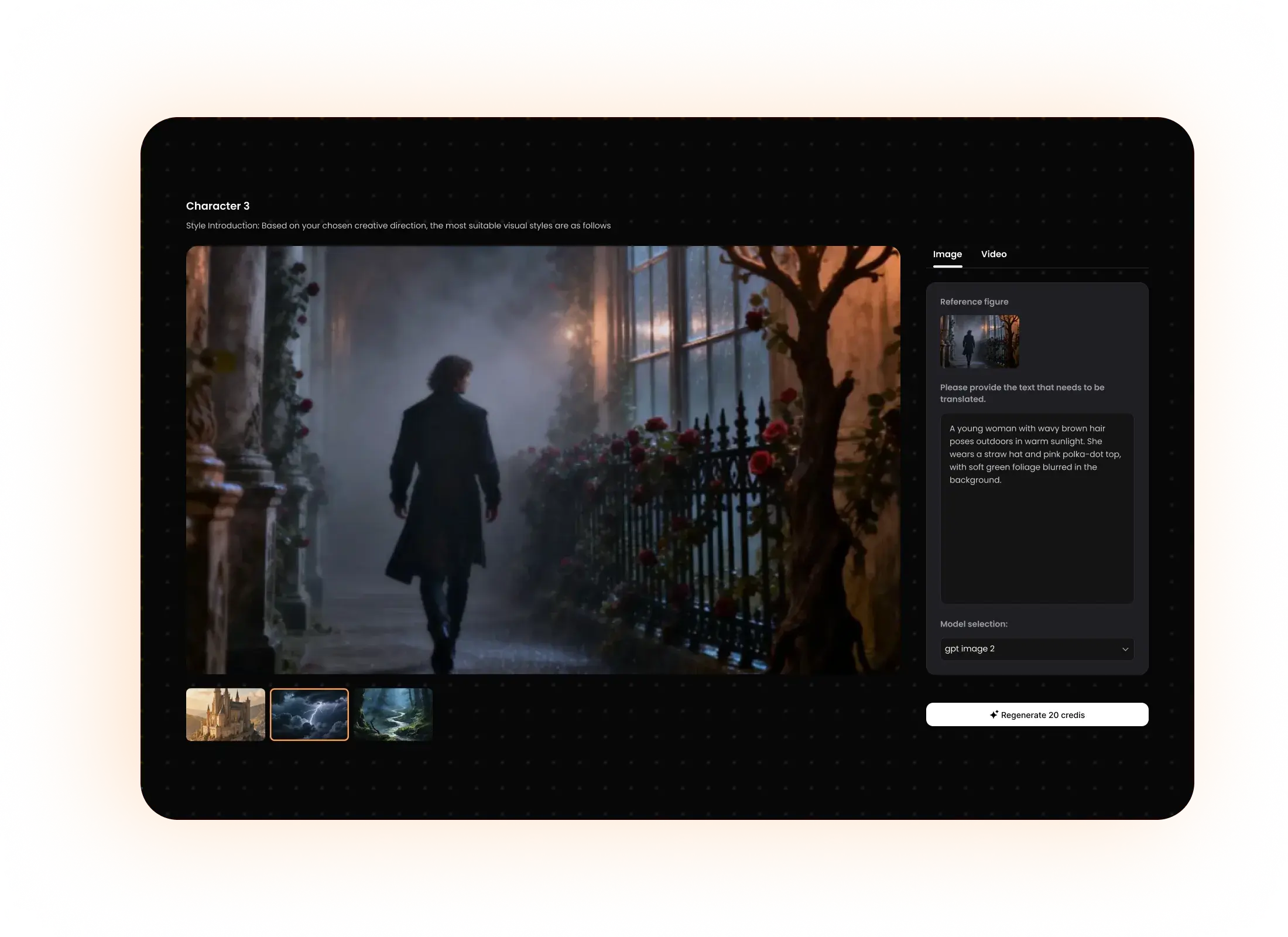
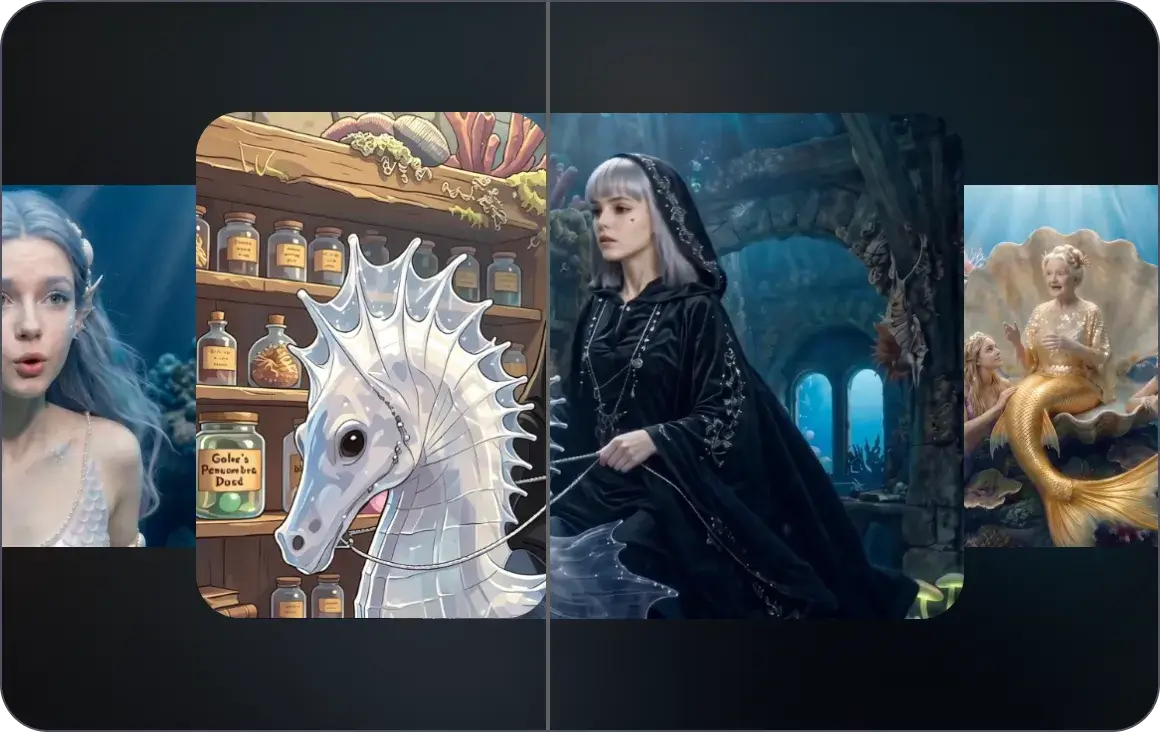
Other AI tools produce style-jarring scenes — character looks different in shot 3. EaseArt's style engine locks unified character design and color palette across every frame.
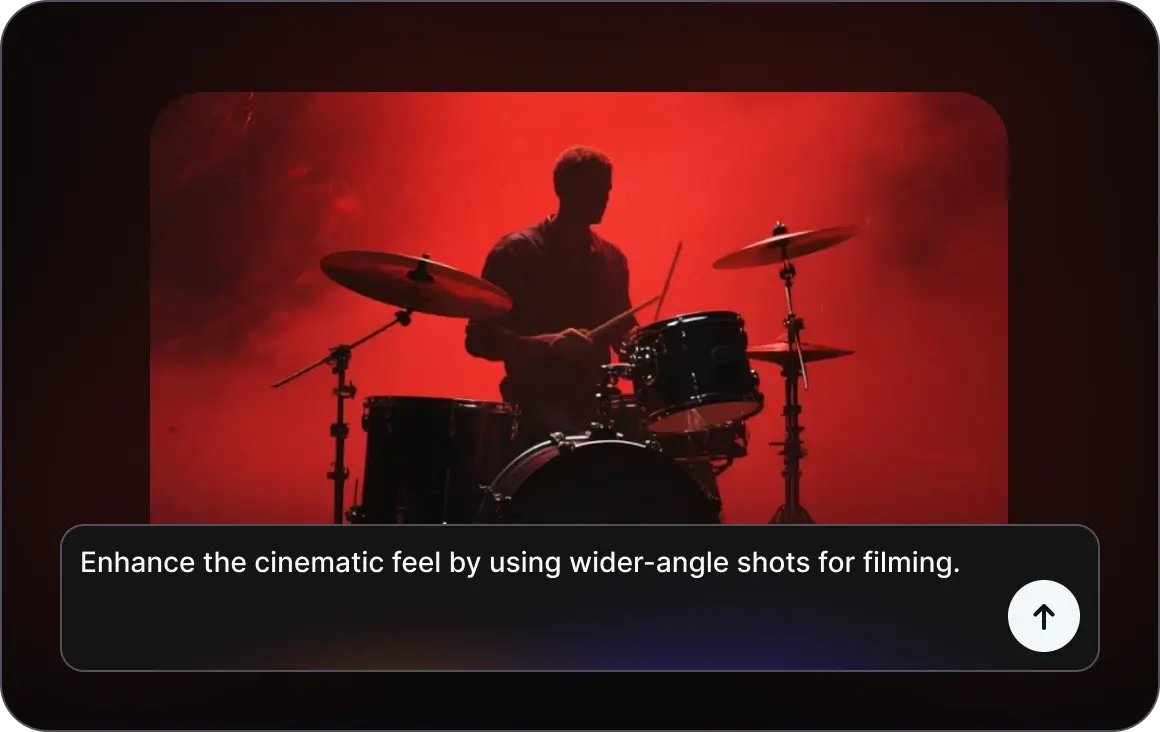
No keyframes. No timelines. No layers. Type 'make the chorus scene more cinematic with wider shots.' The AI understands, regenerates, and updates the storyboard. Video creation through conversation.
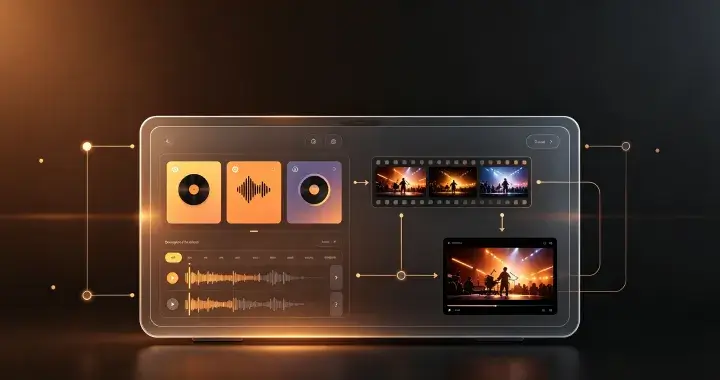 AI Music Creators (Suno, Udio, Mureka)
Import your Suno or Udio track directly. The AI analyzes your music and creates a matching visual story — storyboard, keyframes, and final video — all in one workflow.12 music videos in 3 weeks. 300% more Spotify playlist placements.
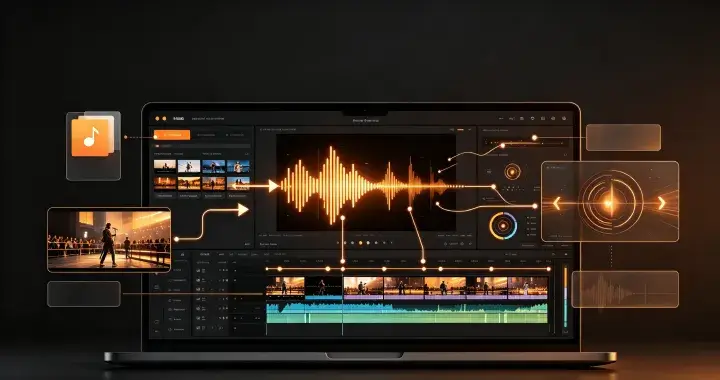 Independent Musicians & Singer-Songwriters
Upload your mastered track. The AI reads your lyrics, maps your emotional arc, and builds a visual story that honors your artistic vision — for a fraction of studio costs.Release-ready music videos for your entire EP without breaking the bank.
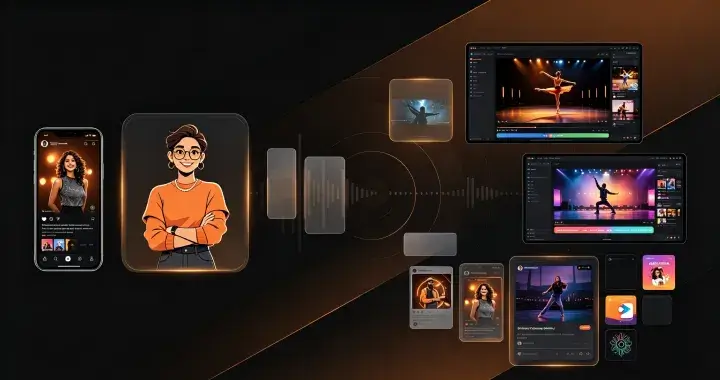
 Content Creators & Social Media Influencers
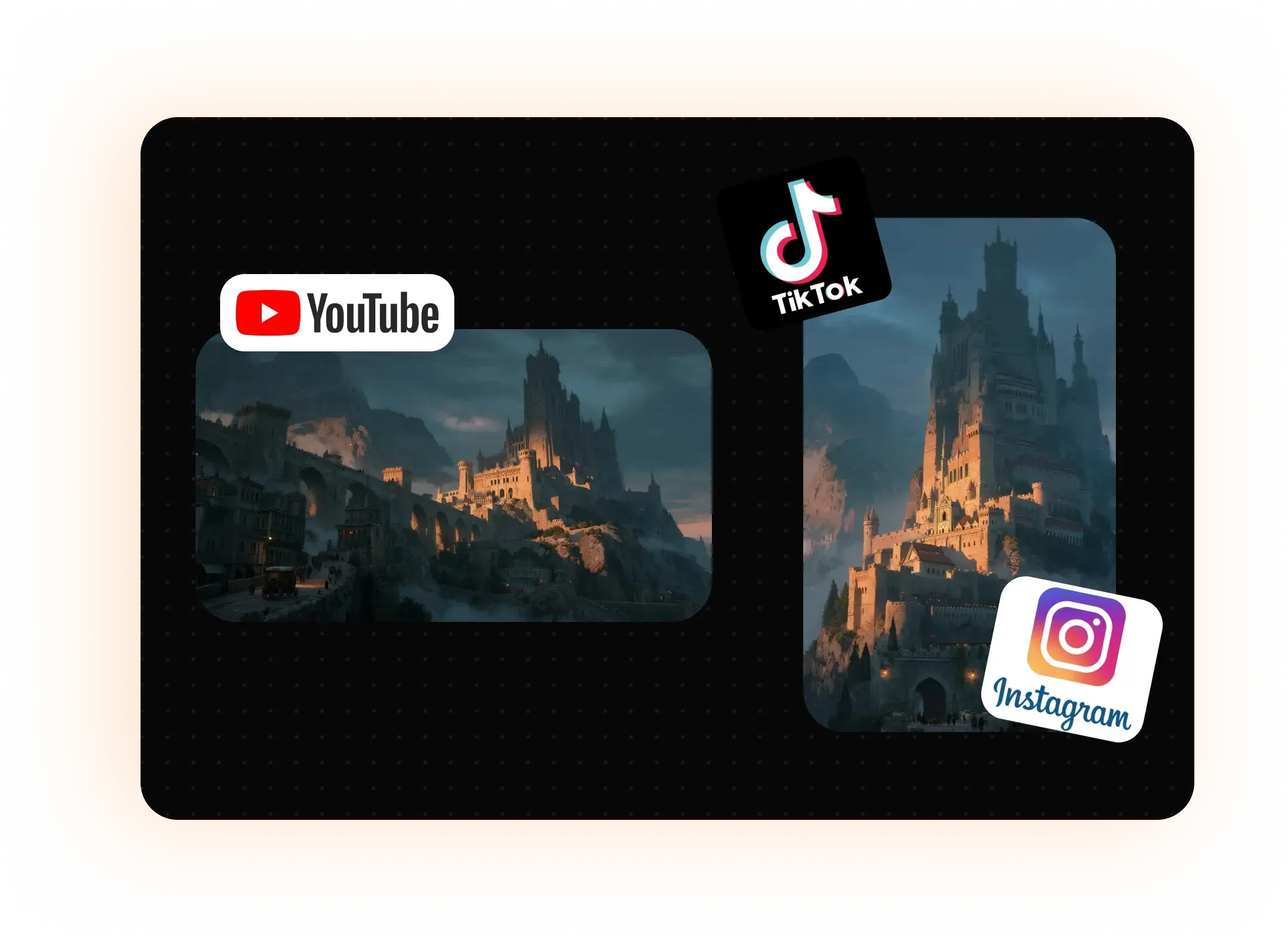
Drop your audio, pick Viral Shorts or Dance MV, and generate multiple visual variations in minutes. Batch-create vertical clips for TikTok, landscape for YouTube, square for Instagram.10x more content output with the same creative energy.
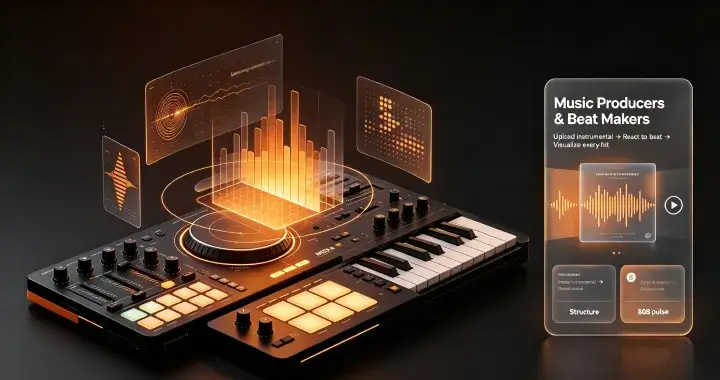
 Music Producers & Beat Makers
Upload your instrumental. The AI generates abstract or showcase-style visuals that react to your beat's frequency, mood, and structure. Every 808 hit gets a visual pulse.Beat-selling pages that convert browsers into buyers.
 Video Creators With Existing Footage
Upload your music and reference visuals. The AI analyzes the audio structure and generates motion directions that sync your existing assets to the beat.Music-synced motion graphics without touching a timeline.
I generate 5–10 tracks a week on Suno. Before EaseArt, they just sat in my library. Now every track gets a storyboard and a video in under 15 minutes.
Jordan ChenAI Music Creator, TaipeiAs an indie folk artist, I couldn't afford a $5,000 music video. EaseArt's AI built a full narrative storyboard from my lyrics. My fans keep asking who shot it.
Elara VossSinger-Songwriter, Portland
I make song covers for TikTok and need 3–5 videos per week. EaseArt generates vertical clips with perfect 3-second hooks. My average view duration went from 4 seconds to 22 seconds.
Marcus ReidContent Creator, Berlin
Selling beats on BeatStars is brutal. EaseArt gave my beats a premium visual identity. My beat page conversion rate doubled.
Tariq OkaforBeat Producer, Lagos
I run a business podcast and wanted to turn episode highlights into social clips. EaseArt's Abstract style adds subtle motion without distracting from the audio.
Priya SharmaPodcast Host, Mumbai
I compose music for indie games and animation. EaseArt's Showcase style helps me pitch projects with polished audio-reactive demos. Three publishers who passed on my portfolio before came back after seeing the visualized tracks.
Riley NakamuraGame & Animation Composer, Tokyo
I DJ weddings and corporate events across California. EaseArt lets me generate custom visual backdrops for each client — their names, logos, colors, all synced to my set. I raised my booking rate by 35% after adding premium visuals.
Brandon LeeWedding & Event DJ, Los Angeles
As a classical pianist, I struggled to find visuals that complement rather than overpower my performances. EaseArt's Abstract Art style creates fluid, elegant motion that responds to dynamics and tempo shifts. My concert livestreams look professionally produced now.
Isabelle MoreauClassical Pianist, Paris
An AI music video generator uses artificial intelligence to create video visuals synced to audio. EaseArt goes further: it's an AI-powered collaboration workspace where an agent analyzes your music, proposes creative directions, generates a full storyboard on a scrollable canvas, and produces frame-by-frame video — all while you direct via natural language chat. Whether you're using EaseArt as a free AI video generator for music or on a premium plan, the experience is fast and fully browser-based.